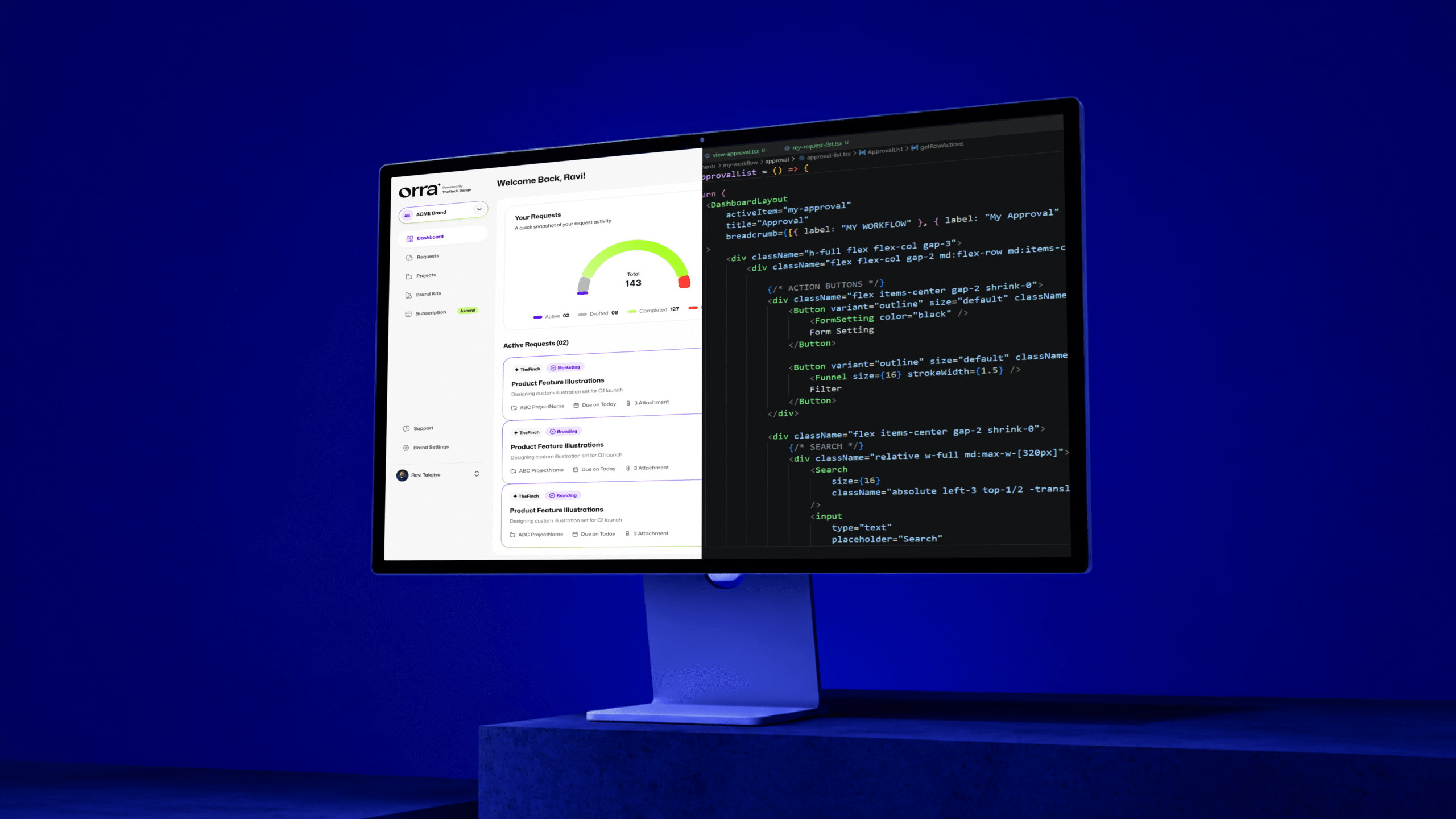
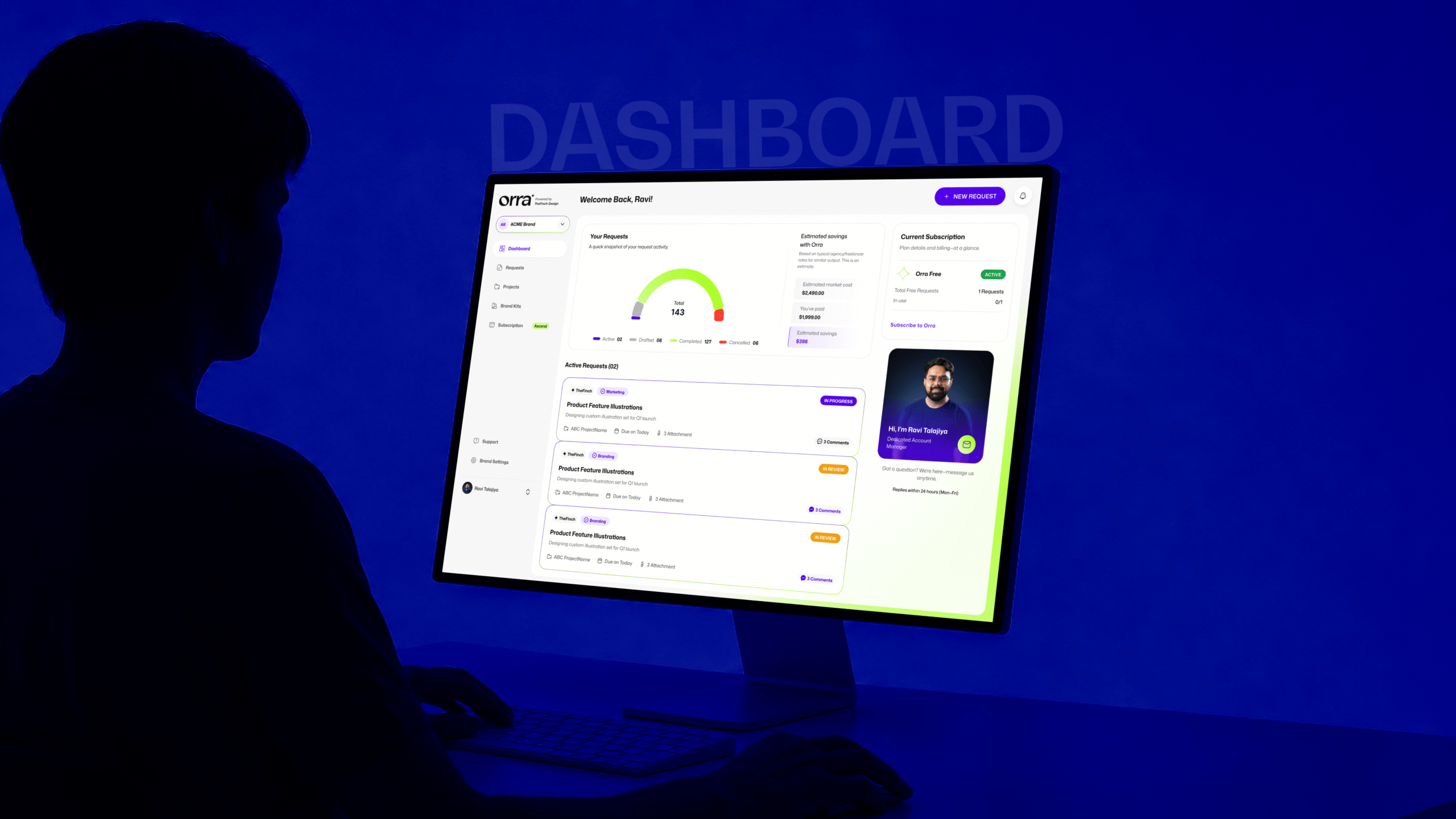
A SaaS product can offer powerful features and still struggle to retain customers. Users may find key actions difficult, overlook valuable functionality, or feel overwhelmed as the platform grows. When these problems persist, a thoughtful SaaS product redesign can help reconnect the product experience with what customers actually need. The goal is not simply to make the interface look newer. It is to remove friction, clarify workflows and help users reach value more easily.
Redesigning a live SaaS platform requires care. Existing customers have established habits, teams rely on familiar workflows, and even well intentioned changes can create confusion if they arrive without explanation. This guide explores when a redesign is worth considering, how to plan it around evidence, and how to reduce churn during rollout.
What Is a SaaS Product Redesign?
A SaaS product redesign is a structured improvement of a software product's user experience, interface or underlying interaction patterns. It can range from refining onboarding and navigation to restructuring dashboards, simplifying complex workflows or creating a scalable design system. The right scope depends on the problem, not on the desire to change every screen.
A successful redesign considers the full customer journey: discovering the product, signing up, completing the first meaningful task, using core features, collaborating with others and renewing a subscription. TheFinch's SaaS design services include user research, journey mapping, wireframes, prototypes, usability testing and design systems to help products become more intuitive as they evolve.
When Is It Time to Redesign Your SaaS Product?
1. Users Struggle to Reach Value
If new customers sign up but fail to complete a key action, the issue may be more than a marketing or acquisition problem. Long setup flows, unclear labels, too many choices and weak onboarding can delay the moment when users understand the product's value. Review activation rates, onboarding completion, support requests and user interviews to identify where people get stuck.
2. Churn or Support Requests Point to Usability Problems
Cancellation reasons, repeated support tickets and feedback about confusing workflows can reveal patterns that analytics alone may miss. If customers repeatedly ask how to complete a common task, the interface may not be communicating the right next step. A redesign should address the underlying cause rather than merely adding another help article or feature.
3. The Product Has Grown Beyond Its Original Structure
Successful SaaS platforms often accumulate features, permissions, reports and integrations over time. Navigation that once felt simple can become crowded, and inconsistent patterns can make the product harder to learn. A redesign can reorganise information architecture, clarify feature relationships and establish reusable components before complexity grows further.
4. User Needs or Business Goals Have Changed
A product built for small teams may later serve enterprise customers with different roles, approval processes and security expectations. A change in positioning, pricing or target market may also require new workflows. Redesign becomes valuable when the current experience no longer supports the users or business model the product serves.
5. The Interface Is Difficult to Maintain
When each feature uses different components, spacing, labels or interaction behaviour, product teams spend more time resolving inconsistencies. A design system can create shared patterns and clearer guidance for designers and developers. This supports more consistent releases and reduces the effort needed to extend the product.
Use Evidence Before Changing the Interface
A redesign should begin with diagnosis, not assumptions. Combine quantitative and qualitative evidence to understand the problem. Product analytics can reveal where users drop off, which features are rarely used and how frequently key workflows are completed. Interviews and usability tests help explain why those patterns occur.
Map important journeys and identify the friction points that have the greatest effect on activation, task completion or renewal. Separate usability issues from product gaps, performance problems and pricing concerns, because not every churn problem can be solved through interface changes. TheFinch's UX research services can help teams use user interviews, usability testing and concept validation to inform design decisions.
Set a baseline before work begins. Depending on the product, useful measures may include activation rate, time to first value, task completion, feature adoption, support volume, customer satisfaction and retention. Choose a small set of metrics linked to the problem so the team can evaluate whether the redesign is making a meaningful difference.
How to Plan a Redesign Without Increasing Churn
Prioritise the Highest Impact Workflows
Avoid redesigning everything at once unless the evidence supports a full overhaul. Start with the journeys that create the most friction or are most important to customer outcomes. Improving onboarding, search, navigation or a frequently used dashboard may deliver more value than changing low traffic screens. A phased scope also makes testing and implementation more manageable.
Keep Familiar Patterns Where They Still Work
Consistency matters to experienced users. Preserve useful conventions, terminology and shortcuts unless there is a clear reason to change them. If navigation or a core workflow must change, test alternatives with representative users and provide clear explanations. A redesign should reduce effort, not force customers to relearn the product without a benefit.
Prototype and Test Before Development
Wireframes and interactive prototypes allow teams to test information architecture and task flows before investing in full implementation. Ask users to complete realistic tasks and observe where they hesitate, misunderstand labels or take an unexpected path. Use the findings to refine the experience. TheFinch's product redesign guidance also highlights user testing, iteration and careful rollout as important parts of the process.
Communicate the Change Clearly
Explain what is changing, why it matters and how it benefits customers. Use in product announcements, release notes, short walkthroughs or optional tours for substantial changes. Give users access to help and support during the transition. Communication is especially important when changes affect familiar workflows or team wide processes.
Roll Out in Phases and Monitor Results
Where practical, release the redesigned experience to a limited group before making it available to everyone. Monitor errors, task completion, feedback and support volume, and keep a rollback or mitigation plan for critical issues. A phased rollout gives the team a chance to fix problems early and learn how different user groups respond.
Common Redesign Mistakes to Avoid
One mistake is prioritising visual novelty over usability. A modern interface cannot compensate for confusing workflows or missing functionality. Another is relying only on stakeholder opinions instead of validating assumptions with customers and product data. Teams can also underestimate edge cases, permissions, accessibility, mobile behaviour and the engineering effort needed to implement a design consistently.
Avoid launching every change at once without preparation, removing familiar features without a clear replacement, or judging success by positive comments alone. Track behaviour after launch and investigate whether users can complete important tasks more successfully. If a metric declines, treat it as a signal to learn and respond rather than defending the design decision.
Build a Continuous Improvement Cycle
A redesign should create a foundation for ongoing product improvement. Establish a regular review of analytics, customer feedback, usability findings and support themes. Keep design components documented and collaborate closely with engineering so future releases remain consistent. TheFinch's UI/UX design services can support teams that need to improve usability, clarify product flows and create experiences that scale with changing requirements.
The strongest results come when design, product, engineering, customer success and leadership share a clear definition of success. This helps teams avoid treating redesign as a one time visual project and instead make it part of how the SaaS product evolves.
Conclusion: Redesign to Make the Product Easier to Stay With
A well planned SaaS product redesign can address usability problems, support new customer needs and make a growing platform easier to navigate. The right time to redesign is when evidence shows that the current experience is preventing users from reaching value, not simply when the interface looks dated.
Start with research, prioritise high impact journeys, test prototypes, preserve useful habits and communicate changes clearly. Then measure outcomes after launch and keep improving. If your product has become difficult to use or customers are struggling to adopt key features, TheFinch Design can help identify opportunities and shape a more intuitive SaaS experience. Discuss your project with TheFinch to plan a redesign that supports customer success and sustainable growth.
Frequently Asked Questions
When should a SaaS company redesign its product?
Consider a redesign when evidence points to recurring usability issues, weak activation, confusing navigation, low adoption of important features or a mismatch between the product and current user needs.
Will a redesign automatically reduce churn?
No. Churn can have many causes, including pricing, missing capabilities, service quality and market fit. Research helps determine whether UX problems are a significant contributor and which changes are most likely to help.
Should we redesign the entire SaaS product at once?
Not always. A phased approach focused on high impact workflows can reduce risk, make testing easier and help teams learn before expanding the scope.
How can we protect existing users during a redesign?
Test changes with current customers, preserve useful patterns, communicate benefits, provide guidance and monitor feedback and task performance during rollout.
Which metrics should we track after a redesign?
Depending on the goal, track activation, time to first value, task completion, feature adoption, support requests, satisfaction and retention. Compare results with a baseline and segment by user type where useful.
Ravi Talajiya
CEO of TheFinch
With over a decade of experience in digital design and business strategy, Ravi leads TheFinch with a vision to bridge creativity and purpose. His passion lies in helping brands scale through design thinking, innovation, and a deep understanding of user behavior.